- Home
- How it works
Workout planner app for the gym Your plan, your weights, your coach
Coach.AI builds a program around you, remembers every set you log and adjusts each workout to the day you’re having.
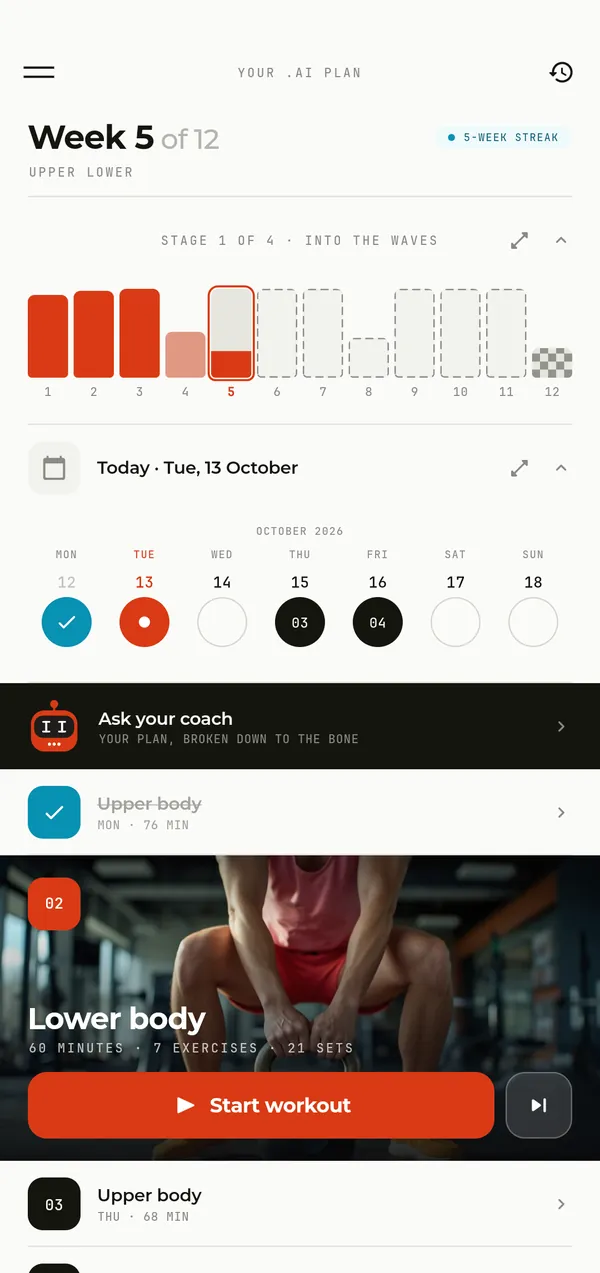
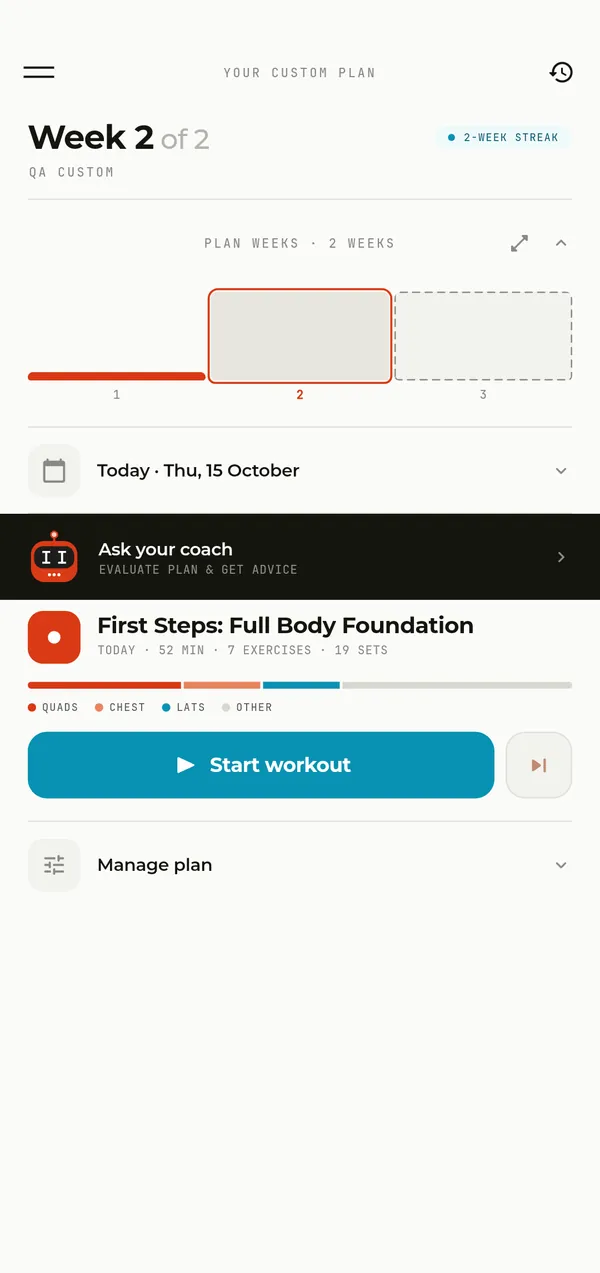
In the app: your .AI plan. The week, the calendar and the next workout, ready to start.
Your first week is free

A plan built for you
It starts with a short questionnaire. Your coach learns enough from it for week one to fit you from the very first workout.
-
Programs from the internet were written for somebody else.
A few minutes of questions
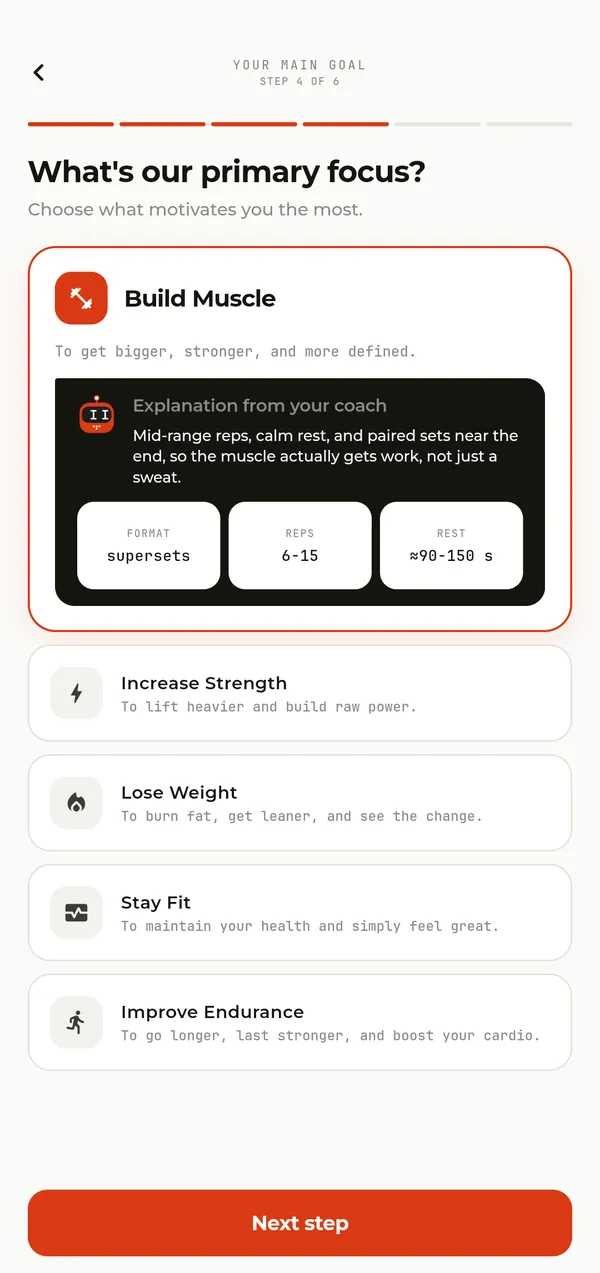
You tell the app about yourself, your goal, your experience and how many days a week you can train. The coach explains what each answer changes and builds the program from your answers, not for an average lifter.
-
Starting over from scratch every time.
Not one program, a path
A beginner gets 8 weeks, an experienced lifter 12, an advanced one 16. The three levels are split into 10 stages, and if you train regularly, the road is mapped about two years ahead. Each next program starts close to where the last one ended, not from zero.
Only what you have
Pick the gym, home or no equipment at all. At home you tick what you’ve got: dumbbells, a barbell, kettlebells, a bench, bands, a pull-up bar. The plan only uses that, and when your gear changes, the next week is built from the new set.
Your age and injuries count
Write in the questionnaire what hurts, a knee or your lower back, and the plan leaves out the movements that load it. As you get older, the plan gradually adjusts volume, rest, starting weight and exercise choice: after 60 it skips jumps and moves the main lifts to machines more often.
Your first month in the gym
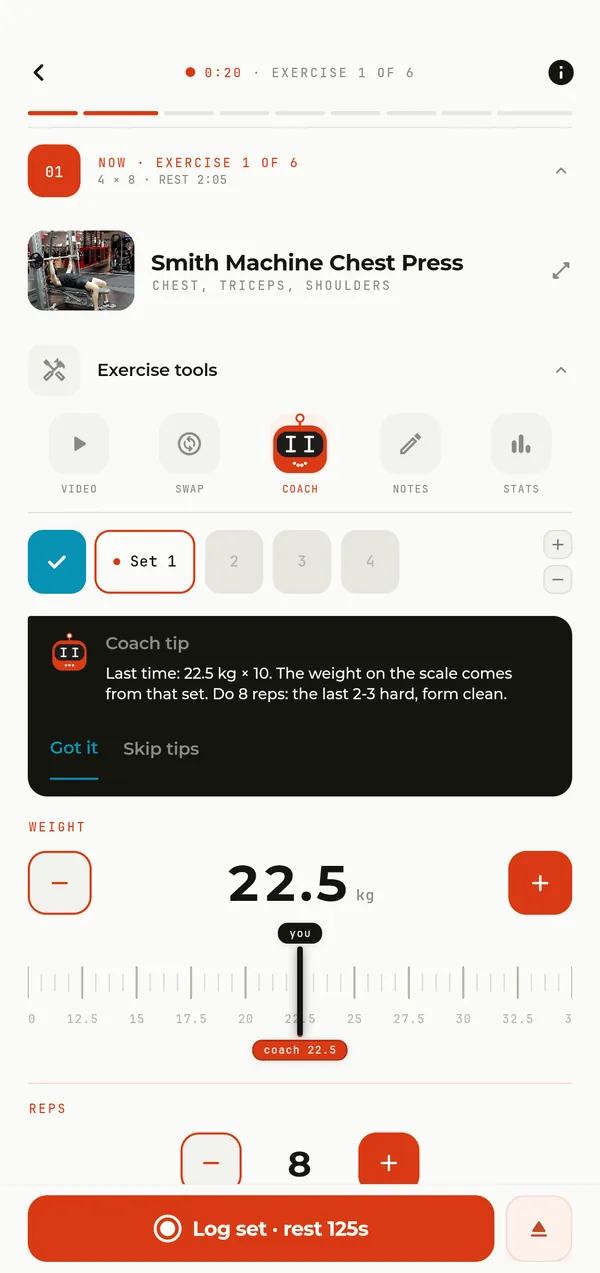
If you’re new, week one repeats four base lifts in every workout, so the movements get familiar and the weight can start to climb. Under each exercise the coach tells you what weight to take, how many reps to do and what you should feel.
Every workout tells you what to do
Nothing to remember and nothing to calculate in your head. You open the workout and everything is already in place.
-
Standing at the rack trying to remember what you pressed on Tuesday.
The weight is already there
Open an exercise and you see the sets, the reps and the weight to start with. The coach takes it from your last workout, from the set you rated «Just right» or «Hard». For your very first workout it estimates the weight from your profile and level.
-
Not knowing whether to add weight or drop it.
Rest with a tip
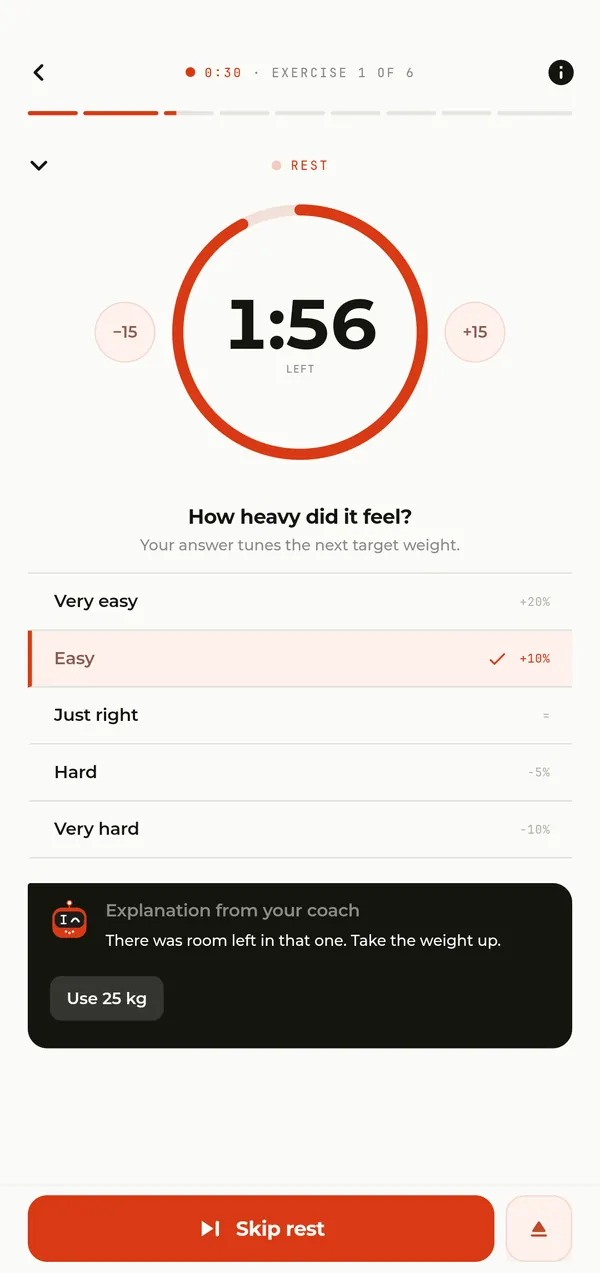
Log a set and the rest timer starts, with a sound you pick yourself. While it counts down, tell the app how hard that set felt, and the coach names the weight for your next set, or in a superset, the reps for the next round.
Warm before your first set
Before the workout a short warm-up with video plays right on the screen, and a cool-down waits at the end. Before a loaded exercise the app offers two warm-up sets at 50% and 70% of your working weight, so you reach it ready.
Supersets to fit in more
The plan can put two or more exercises back to back with no rest between them: a superset, a triset or a circuit. You can group exercises yourself too, by dragging one onto another in the workout overview. The same workout then fits into less time.
400 exercises on video
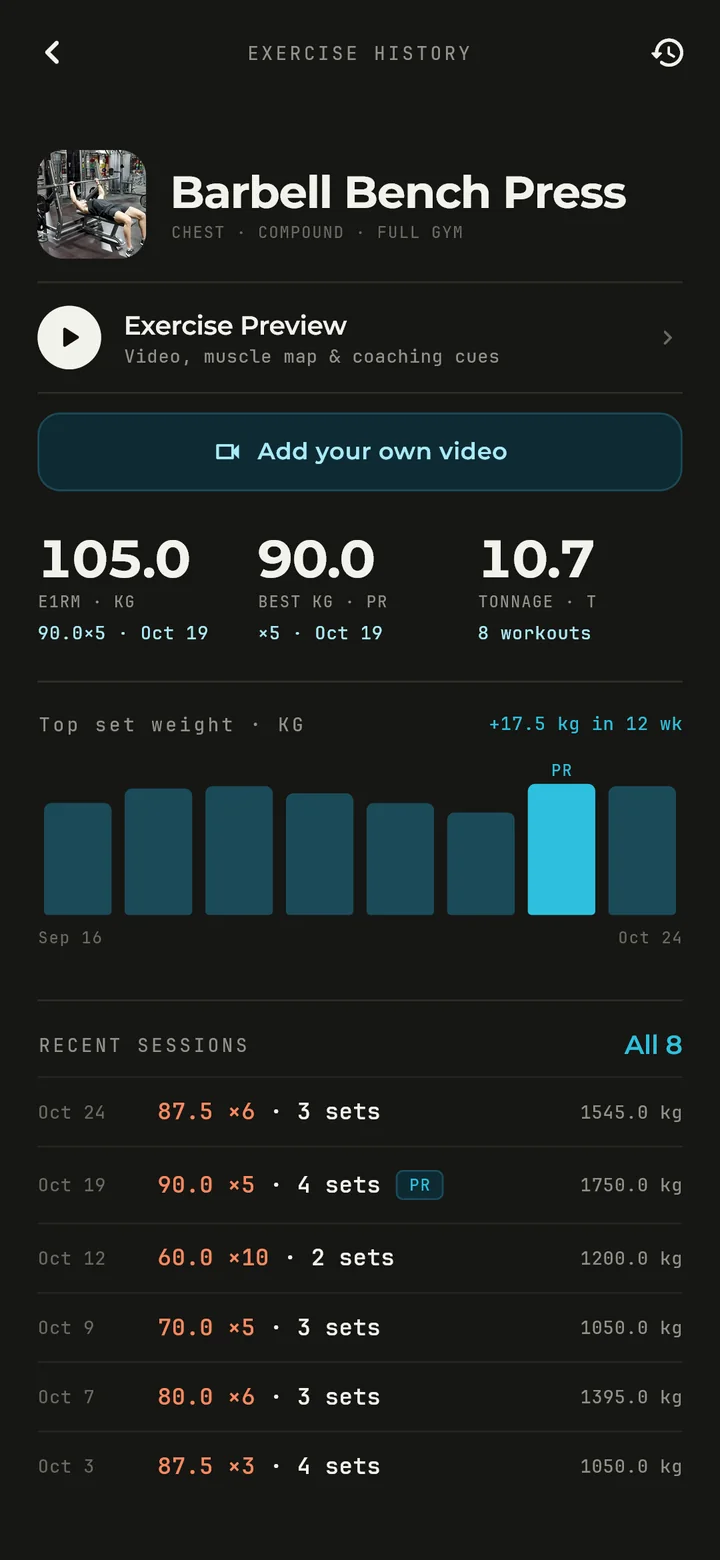
Every exercise in the catalog has a video of a real person in a real gym. Next to it there’s a map of the muscles it works and a few short cues on doing it right.
A coach that adjusts with you
Bad sleep, a taken bench, a missed week. The plan bends around real life instead of breaking.
-
Forcing your way through the plan after a sleepless night.
Three questions before you start
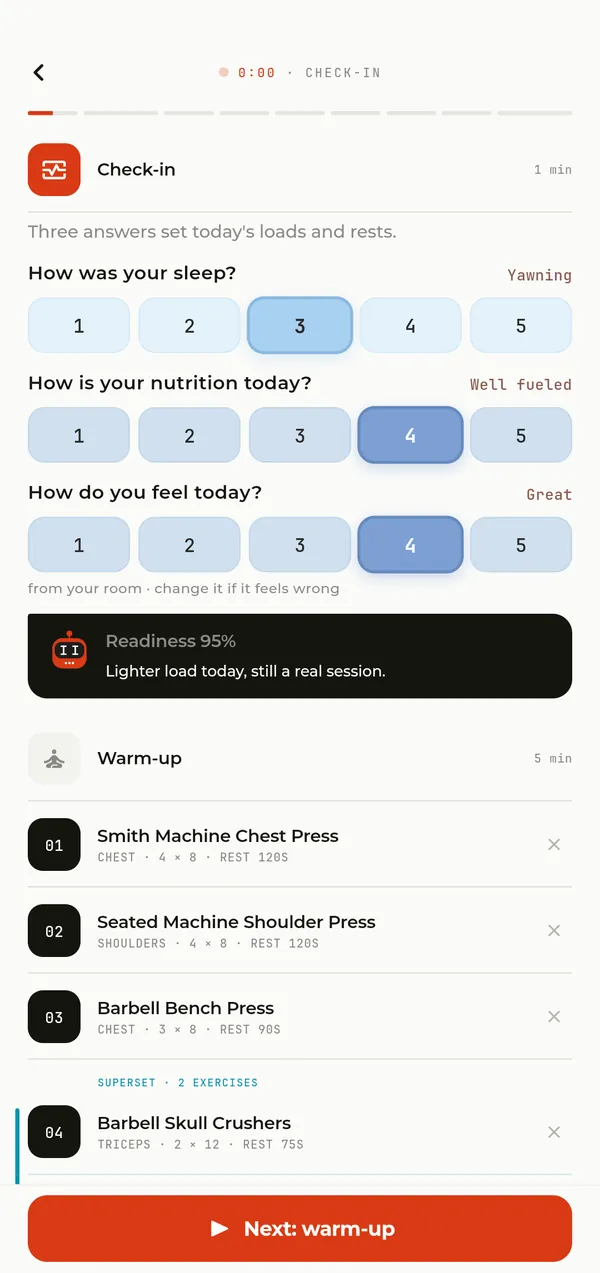
Before the workout the coach asks how you slept, how you ate and how you feel. «Good» keeps the plan as it is, a great morning adds a little, up to 105%, and a rough one lowers the weight to as little as 55% of the plan and lengthens your rest.
-
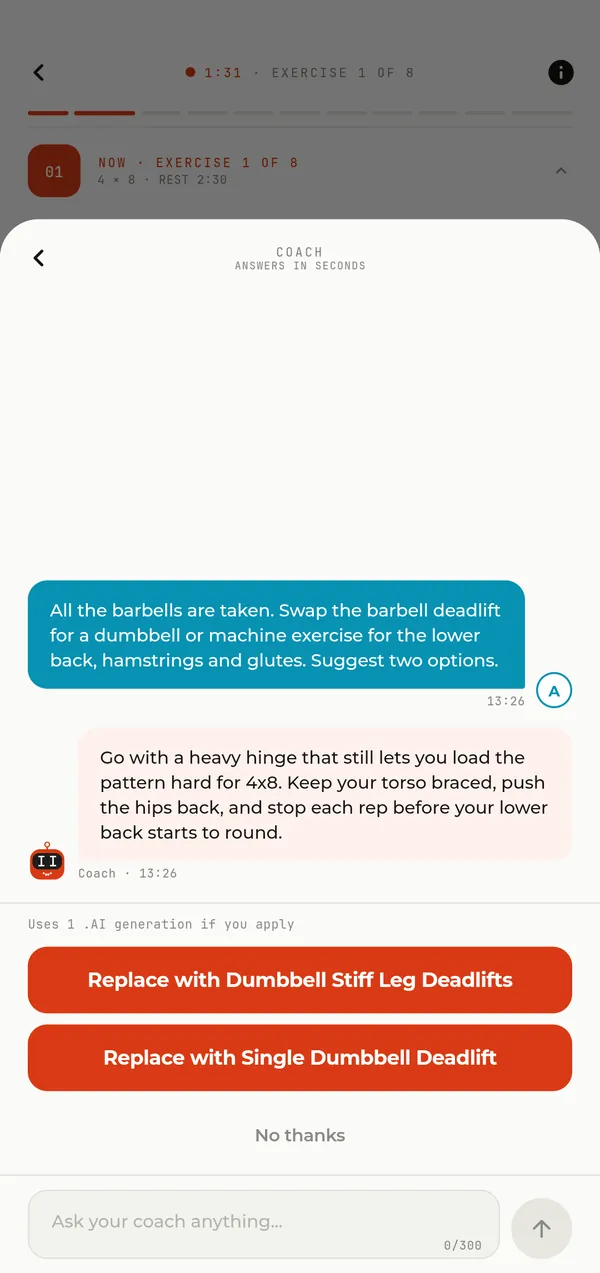
Improvising a swap on the spot when everything is taken.
Your coach, right there in the gym
Mid-workout, message the coach: the machine is taken, your shoulder feels off, you want it lighter. Advice is free, and when it offers to swap, lighten, remove or add an exercise, you see the sets and reps on the button before you agree. A change like that costs one .AI generation.
Ask your coach from the couch
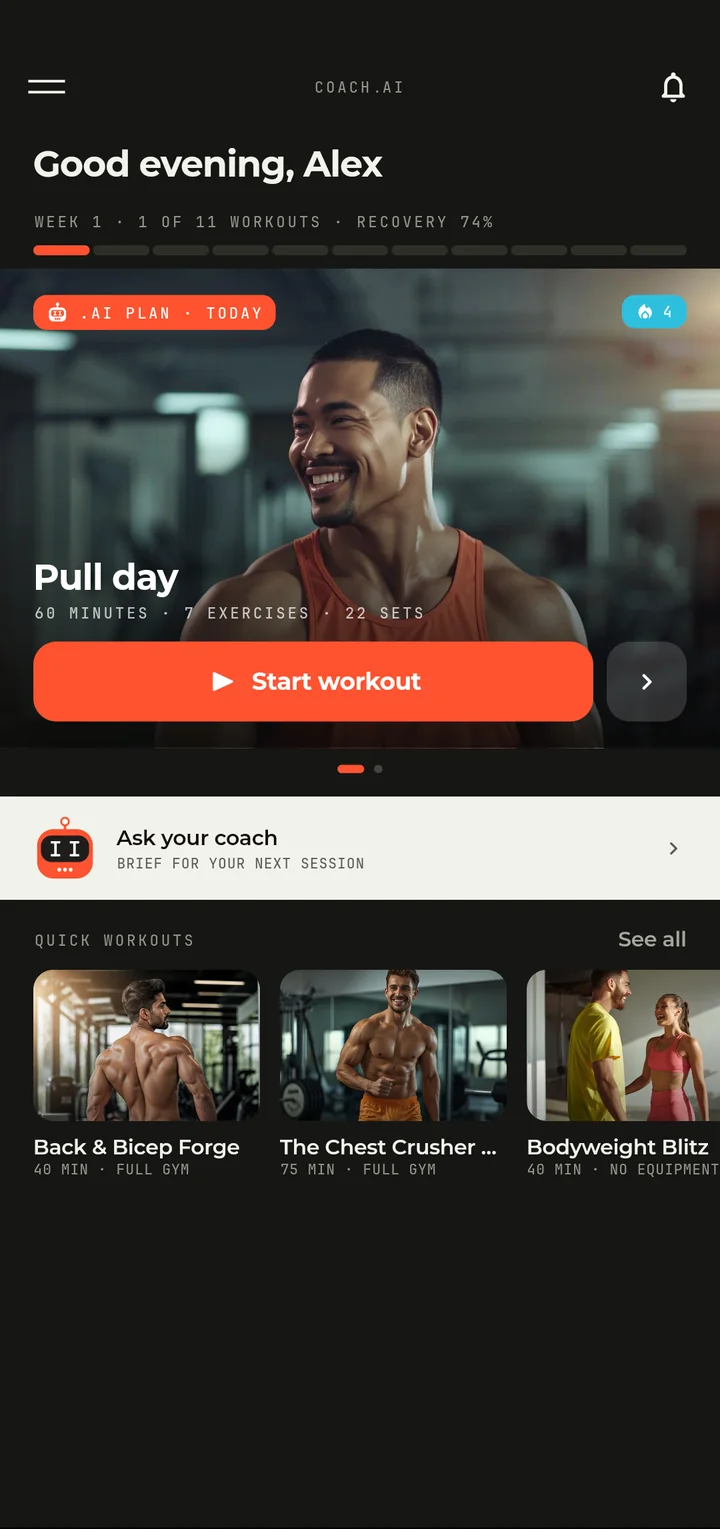
Home has an «Ask your coach» row. Get a brief for your next session, ask anything about training at any hour, or ask to change your next workout: the coach picks an exercise that fits your equipment and level.
Rebuild today
Want more arms, or just not that kind of day? Rebuild today’s workout and say what you want. The coach puts together a new session and explains what changed and why in a note above the warm-up. A rebuild costs one .AI generation.
Missed some days? Ease back in
The coach sees how many days you’ve missed and offers a comeback plan: after a few days a little less volume, after a week or two a softer start on machines and easier variations, and after a longer break an easy week. No guilt, and no starting from zero.
Something sore?
Mark what’s sore from your last workouts, and the coach swaps or removes the exercises that load it for the rest of the week.
Your morning in numbers
In the morning you note on Home how long you slept and how you feel, in a few seconds. The app shows your recovery as a percentage, and the coach takes your day into account in its advice and in the chat.
Progress you can see
Every set you log becomes a brick in next week, and the numbers show that you really did get stronger.
-
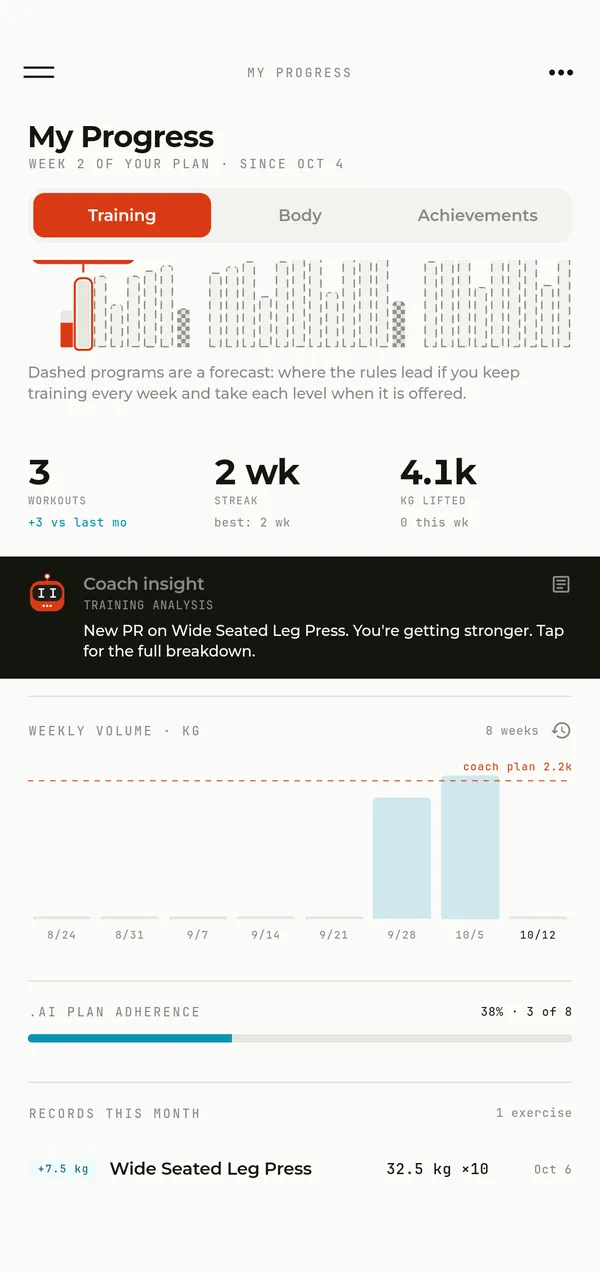
Progress nobody writes down is easy to miss.
Records, volume and your streak
My Progress shows your records of the month, your weekly volume, your streak in weeks and how many kilos you’ve lifted so far. Workout history shows every session with its sets and marks your records.
-
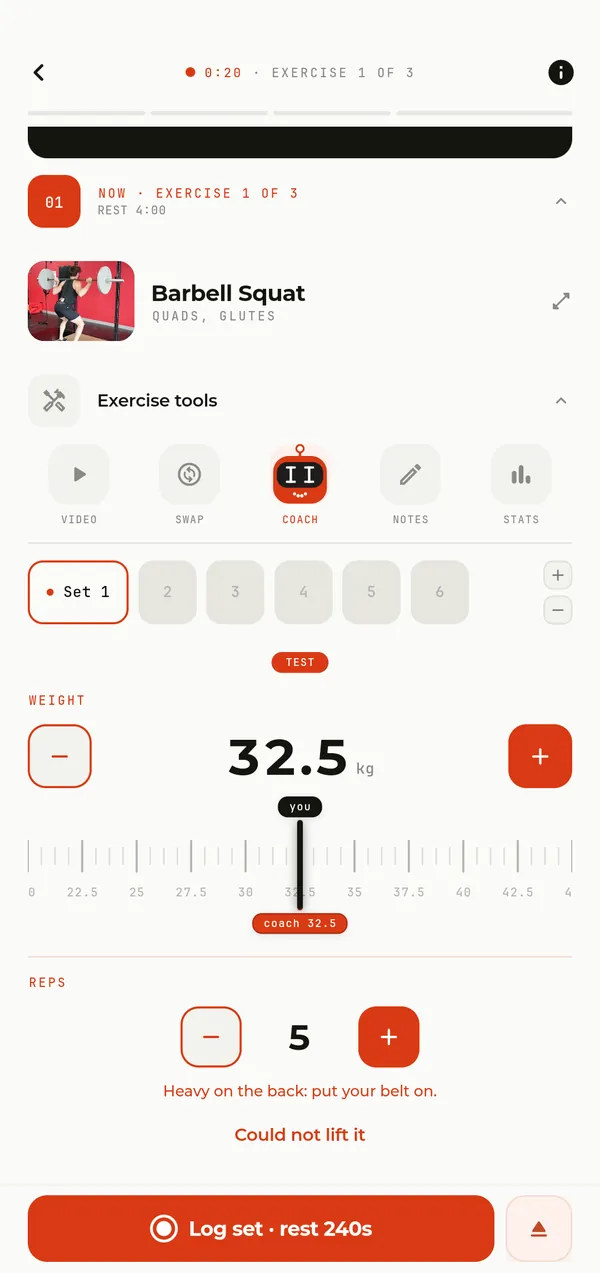
«I think I got stronger» instead of an answer.
Test day: progress in numbers
Every program ends with a test day. What gets measured depends on your goal: your top weight, your max reps or work against the clock. The result sits next to your last test, so you see exactly how much you’ve grown.
Next week, built from your sets
Finish a week and generate the next one with one tap, for one .AI generation. The coach builds it from the weights, reps and ratings you logged: what flew up gets heavier, bodyweight moves get more reps, and before the new week starts you see what grew.
A light week at the right time
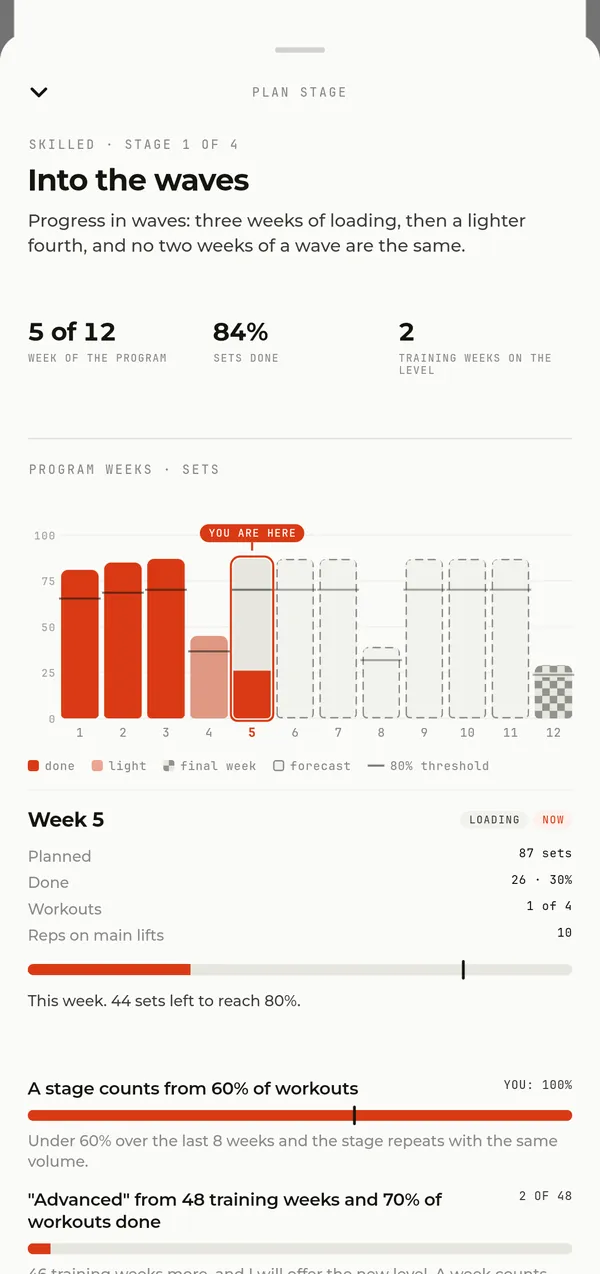
If you’ve been training for a while, every fourth week is lighter by plan, so your body can recover and keep growing. When you’re tired several sessions in a row, the light week comes sooner, and the coach tells you why.
See your path
The stage card shows the week of your program, how many sets are done and when the light week and the test day come up. In My Progress, the path chart marks where you are now, and a dashed line shows where the rules lead if you train every week.
A weight goal you name
Name the weight you want to reach, and the coach tells you honestly how many weeks it might take, or suggests a healthier goal. It celebrates the milestones on the way, and after you get there it comes back three weeks later to ask how the new weight feels.
A goal for every month
Every month of your program has its own goal, and a bar on Home shows how far you’ve got. Workouts earn XP, and new levels give you bonus .AI generations that never expire.
Fits your life
A short session at lunch, a plan of your own, a gym with no signal. The app fits around your week.
-
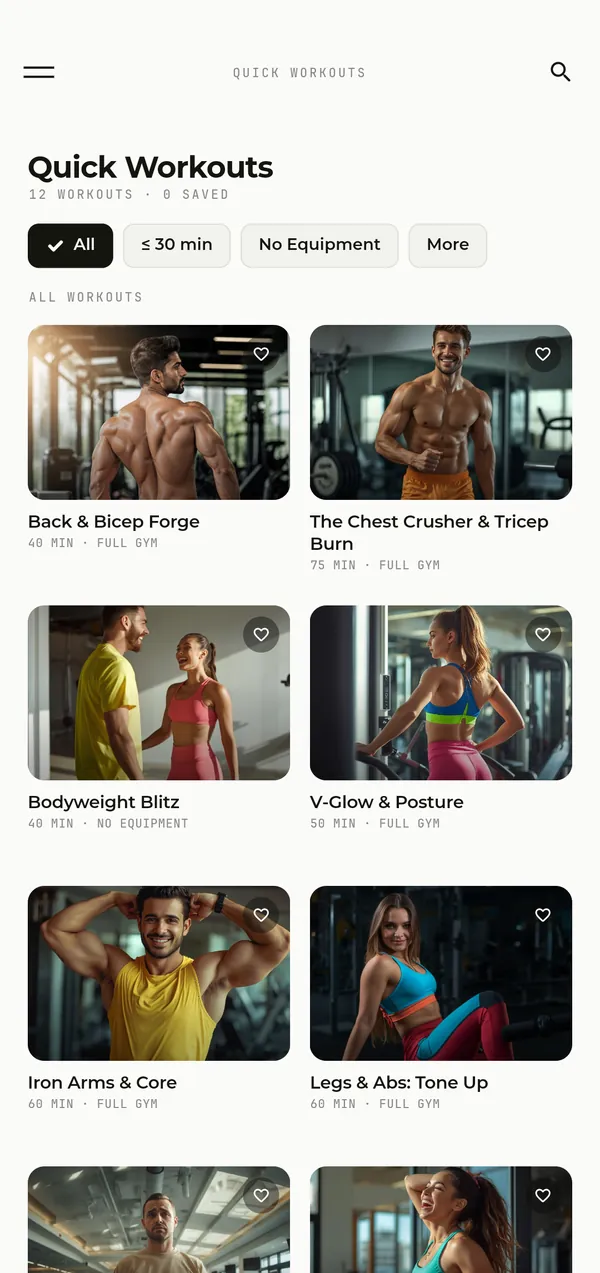
Forty free minutes and no plan for them.
A quick workout for today
No time for a full session, or just want something different? Pick a ready-made workout by length, muscles, level or equipment, and it starts right away, with the warm-up built into the player.
-
Nobody to check your homemade program against.
Your own plan, with a coach looking over it
Like writing your own? Put together your own weeks: exercises, sets, reps, rest, supersets. The coach reviews a week against your goal, shows what’s worth changing and, if you want, improves it automatically.
Your days, your time
You pick your training days, and any workout can be dragged to another day in the calendar. Set the time of your first workout and a reminder arrives an hour before. You decide in Settings how notifications sound: all of them, in the app only, or silent.
Works without signal
No network in the gym basement? Start your workout, log sets, swap exercises and finish. Everything you logged goes up as soon as you’re back online, and the app saves the pictures of your next workout ahead of time.
Training in step with your cycle
If you want, tell the app about your cycle. On period days the workout gets gentler: a little less weight, longer rest, and the coach swaps exercises that feel uncomfortable on those days. This data stays on your phone.
Who it’s for
Here are a few of the people I built Coach.AI for, and what it does for each of them.
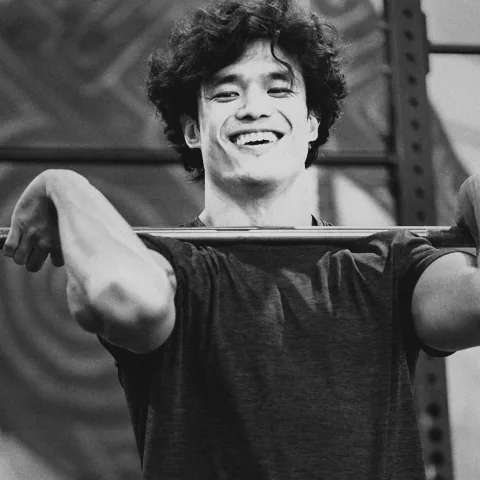
You’re 16 and want to look better than everyone your age
«I want a real build, not just gym visits.»
The plan starts safe for your age: a bit less volume, more reps and a moderate starting weight, and your test day counts reps rather than a one-rep max. The coach takes each next weight from the sets you log, and every one of the 400 exercises has a video, so you see the technique right away.
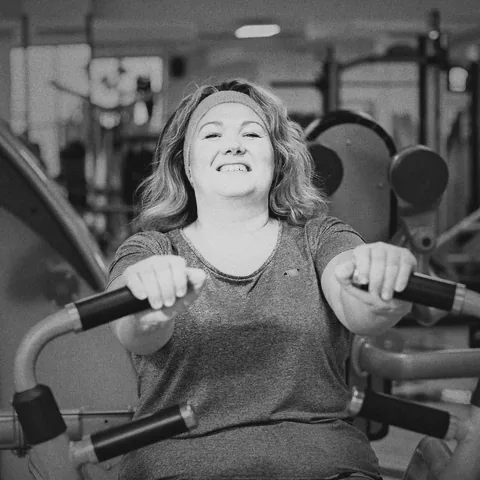
You’re 30 and want to lose the extra weight
«I want to drop the weight, but I don’t know where to start in a gym.»
Pick weight loss as your goal and name the weight you want to reach: the coach tells you how long it might take and marks every milestone. The strength work stays, to protect your muscle, and the cardio at the end of each workout grows step by step with you.
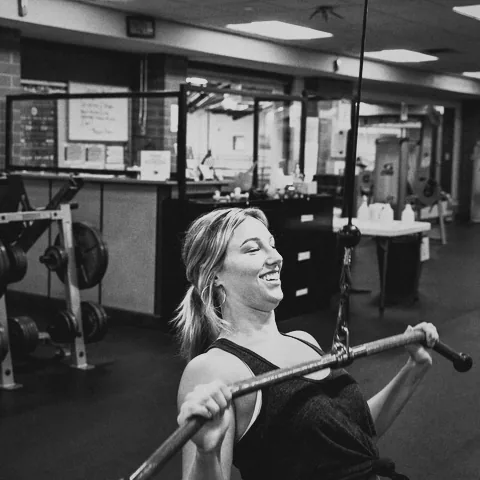
You’re 27 and want a toned, strong body
«I want to look athletic, not just thin.»
Pick building muscle or staying fit as your goal, and the plan moves your weights up from your own sets, while your records of the month show how much stronger you’re getting. If you want, the plan takes your cycle into account too.
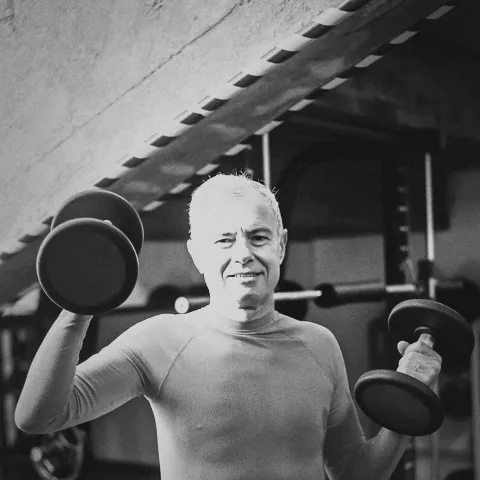
You’re 60 and want to keep your knees out of it
«I want to stay in shape, but my knees aren’t what they were.»
At this age the plan skips jumps, puts the main lifts on machines more often, keeps the reps higher on a moderate weight and adds weight in smaller steps. And if you mention your knee in the questionnaire, the movements that load it leave the plan.
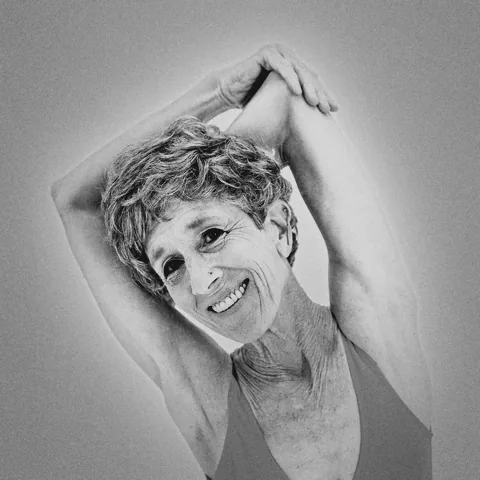
You’re 75 and want to feel healthy and strong
«I want stairs to feel easy and to carry my own shopping.»
The load here is set with your age in mind: less volume, longer rest, a weight that climbs calmly, and light weeks so your body has time to recover. The exercises are kind to your joints, mostly on machines, and your test day counts reps, with no attempts at a maximum.
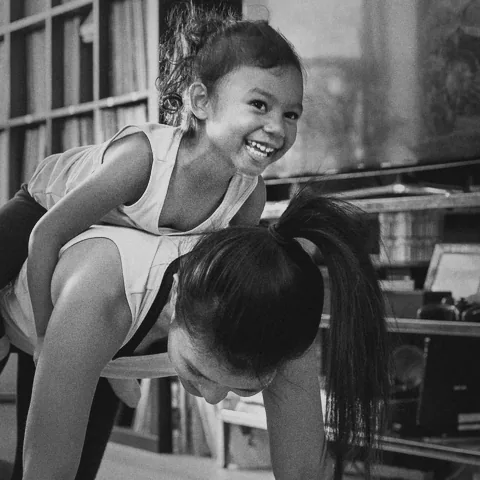
You’re a mom, and there’s no time for the gym
«Between feeds and walks, the gym is just a dream.»
Train at home with what you have, dumbbells or nothing at all: the plan is built from exactly that and around the days you really get. When all you have is a short break, pick a quick workout by length, and if you want, the plan takes your cycle into account too.

You’re 40 and work eats your whole week
«I make it to the gym twice a week, and not always on the same days.»
Tell the app how many days you really have, and the plan is built around them. Workouts drag to another day, a reminder comes ahead of time, and when you only have forty minutes, there’s a quick workout of the right length.
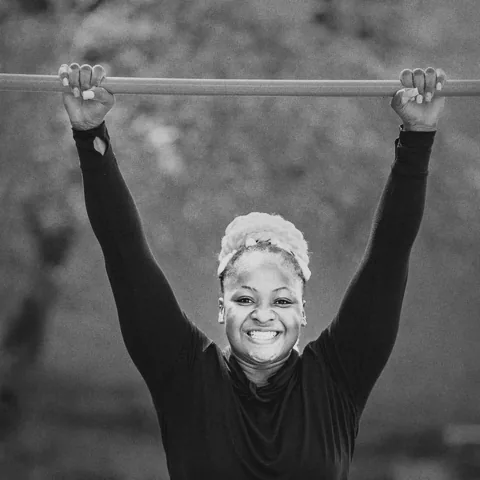
No gym, no equipment? No problem
«I want to train, but I’ve got no membership and no dumbbells.»
Pick training with no equipment and tick what’s nearby: a pull-up bar, dip bars or just the outdoors. The plan is built from bodyweight moves whose reps grow with you, and once you get some equipment, change it in Settings and the next week is built with it.
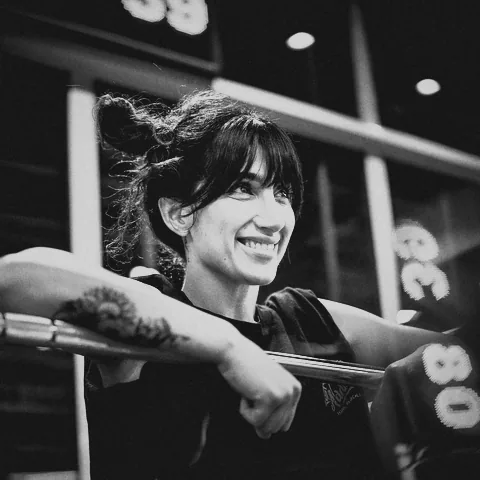
You’re 28 and your bench hasn’t moved in six months
«I’ve trained for years and I’m still stuck at the same 80.»
From the Skilled level up, the main lifts are the classic barbell ones, and weight, reps and volume move in waves, with a light week every fourth. At the end of the program a test day shows in numbers what moved, and the next program carries on from there.
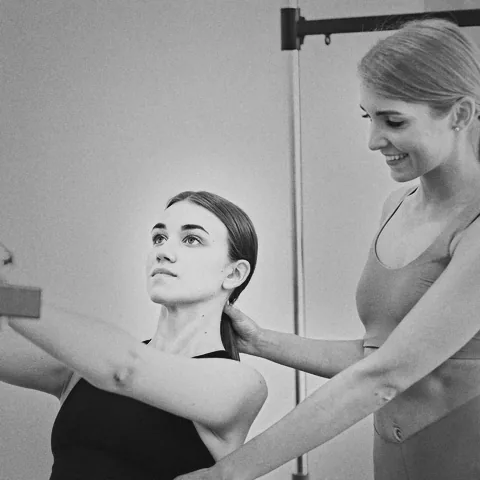
You’re 22 and walking into a gym for the first time
«I’m scared of doing it wrong, and in front of everyone too.»
Week one repeats four base lifts, so after a few workouts the movements feel familiar. Every exercise has a video, the weight is already in the field, and under each exercise the coach tells you what you should feel.
Common questions
Is Coach.AI free?
Building your plan and training the whole first week is free. You can generate week 2 and look through it, and with Premium, a monthly or yearly subscription, you can train it, generate week 3 and beyond, edit workouts and start quick workouts after week one, and build a plan of your own. The store shows the price for your country before you pay.
What is a .AI generation?
It’s one change the coach makes to your plan: a new week, a rebuild of today’s workout, a change made from the chat, or a review of your own plan. Ordinary questions to the coach are free. Generations come with your subscription, and you also earn bonus ones as you level up, and those never expire.
Is it right for a complete beginner?
Yes. The beginner program runs for 8 weeks, week one repeats four base lifts so you can learn them, and every exercise has a video plus a coach tip on what weight to take and what to feel.
Can I train at home?
Yes. Choose home training and tick what you have: dumbbells, a barbell, kettlebells, a bench, bands, a pull-up bar. The plan only uses that, and with no equipment at all it builds a bodyweight plan.
Can I change the plan?
Yes. You can swap, add, remove and reorder exercises, change the number of sets, move a workout to another day, or ask the coach to rebuild a day. It’s free in week one and part of Premium after that.
Which phones and languages?
Coach.AI is on the App Store and Google Play. Sign in with the same account and your plan and history are on both. The app speaks English, Ukrainian, German, Spanish, French, Italian and Polish.
Is there a discount?
Yes, on your first month. With the code COACH50 your first month of Premium is 50% off: paid up front, once, on the monthly plan. It only works if you’ve never had a subscription, not even a free trial, so enter it in the app after you sign up and before you start your free week: in Settings, or under “I have a promo code” on the subscription screen. After that month Premium renews at the usual price, and you can cancel any time.
Coach.AI
Build your plan tonight, train it tomorrow
Download the app and answer a few questions. Your first week is ready before your next gym day.
The first week is free.
Promo code from the site
Your first month of Premium -50%
COACH50
Paid up front, once, on the monthly plan. Only if you’ve never had a subscription, not even a free trial.
Sign up, then enter it in the app before you start your free week: in Settings, or under “I have a promo code” on the subscription screen.